
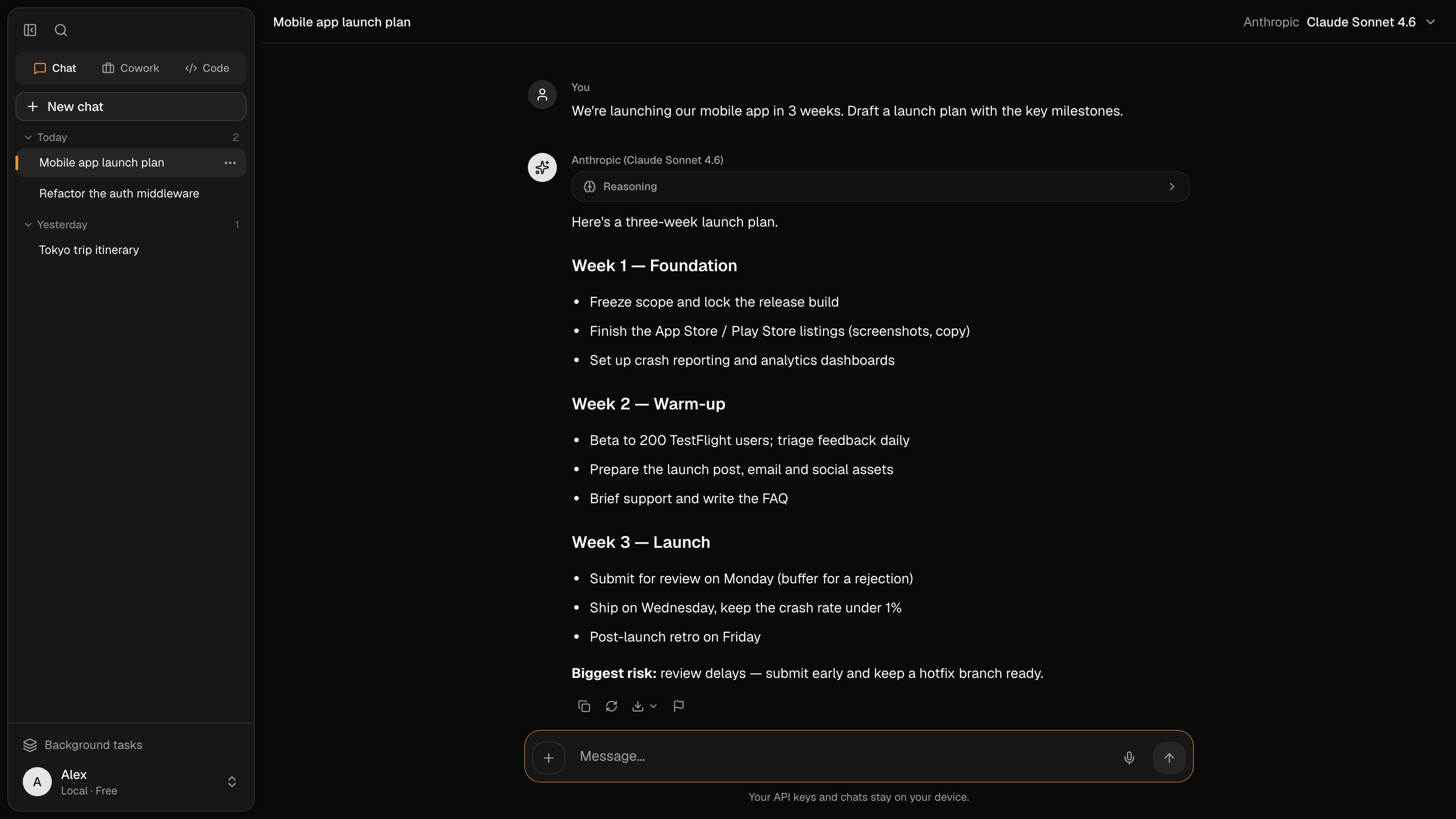
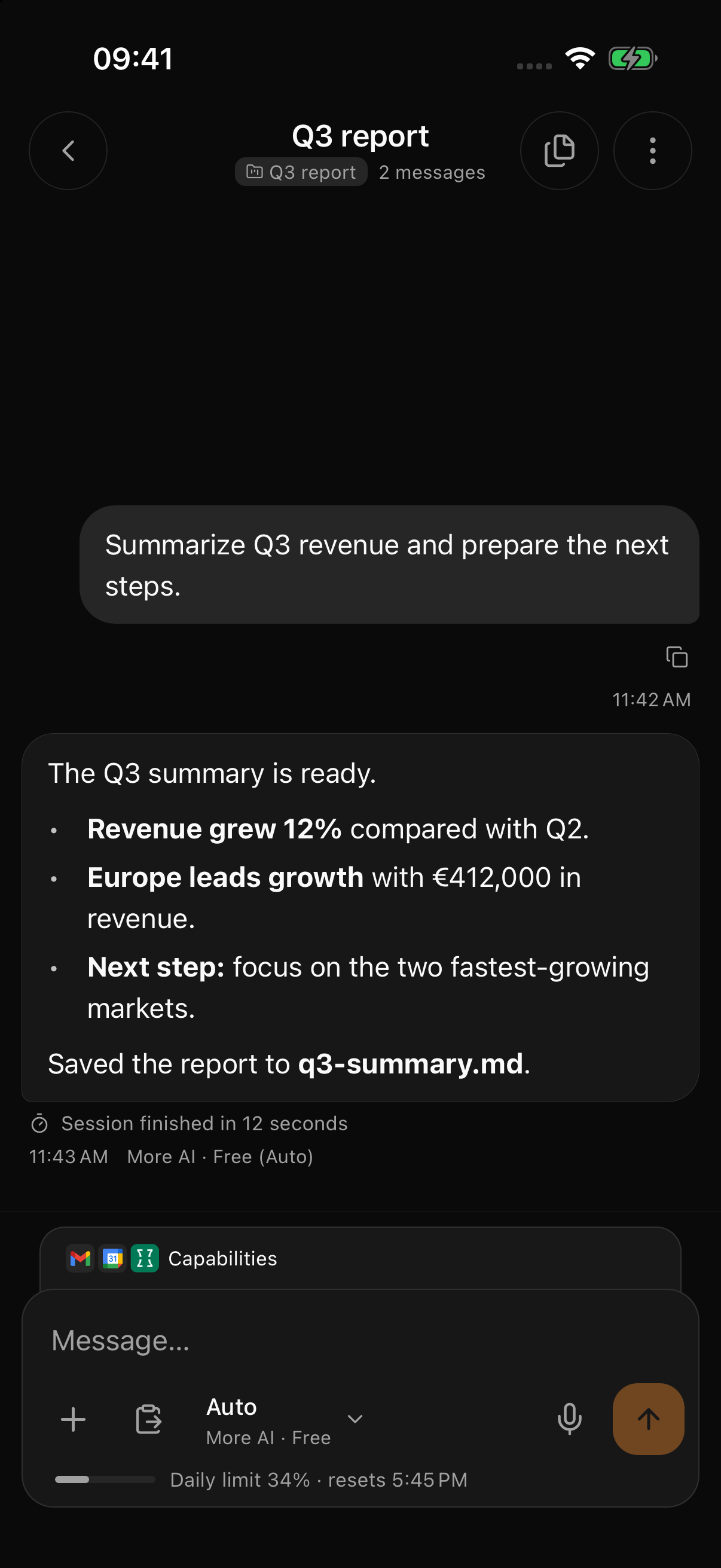
A chat window answers. More AI does the work.
Ask in plain words. It opens the files, goes through the steps you would and hands back the finished file — and you watch every step as it happens.
Summarize notes
Read the 12 interview notes in the Research folder and write a one-page summary.
- Read 12 files
- Grouped the themes that repeat
- Wrote summary.docx
summary.docx — 1 page
Receipts to a table
Turn the October receipts into a spreadsheet with totals by category.
- Read 37 receipts, PDFs and photos
- Pulled out date, shop and amount
- Built expenses.xlsx with totals
expenses.xlsx — 37 rows
Research online
Compare five note-taking apps on price, offline mode and export. Put it in a table with links.
- Searched the web
- Read 14 pages and pricing plans
- Wrote comparison.xlsx with sources
comparison.xlsx — 5 apps · 14 sources
Fix a bug
The checkout test fails. Find out why and fix it.
- Ran the tests: 1 failing
- Found the rounding bug in cart.ts
- Fixed it and ran the tests again
cart.ts — All tests pass
Runs on your key. Your provider bills the tokens; More AI adds no markup.
People also ask it to:
- Rename 200 photos by date
- Clean up a messy spreadsheet
- Turn notes into slides
- Summarize a long PDF
- Find duplicates in a folder
- Draft a reply to a client
- Check a contract for deadlines
- Build a monthly budget
- Compare prices online
- Explain an unfamiliar codebase
- Write tests for a file
- Turn a meeting into a to-do list
From download to first result in three steps
All you need is a key for an AI model. If you don’t have one, OpenRouter gives you one in a couple of minutes. An account is optional.
Install the free app
For macOS, Windows and Linux. It keeps itself up to date.
Paste your key
OpenRouter, OpenAI, Anthropic, Google, DeepSeek and 30+ other providers — or a model running on your own computer. Pick a model for each task.
Ask for the result
Point it at a folder, a website or a repository and say what you need. Every change shows up for you to review.
An agent that does the work, not just the talking
Two workspaces and a scheduler in one app. You see every change before you keep it.
Files & documents
The new default for conversations and file work: start with a question, add a folder when needed, review visible edits and build real Word, Excel and PowerPoint files.
- Reads and edits the documents in a folder
- Changes arrive as visible diffs you can review
- Writes real Word, Excel and PowerPoint files
Code
A coding agent on your repository: it plans, edits across files, runs your tests and shows the changes. Its access mode controls which actions ask first.
- Plans first, then edits across many files
- Runs your tests and reads the output
- Access mode decides which commands ask first
Routines
Schedule a morning brief, a weekly competitor scan or a recurring report. Server routines run in the cloud, and every run is saved as a conversation you can open on any signed-in device.
- Daily, weekly or custom schedules in your time zone
- Server routines run with the app closed
- Every result kept as its own conversation
The same agent on every screen you use
Start on your computer, check in from your phone, hand over a task from the terminal. One account connects them, and your keys stay under your control.
Desktop — Available
The full workspace on your computer (macOS · Windows · Linux)
Work with the files, documents and repositories on your computer, plus a built-in browser, connectors and local models. The app is free, and local work needs no account.
- Works with the folders and repositories on your machine
- Edits arrive as visible changes you review
- Local models work offline through Ollama or LM Studio
Web — Available
Your synced work in any browser (app.more-ai.net)
Sign in at app.more-ai.net with a code from your email. Open synced conversations, follow scheduled routines and start cloud tasks that keep going after you close the tab.
- Nothing to install, and it works on phones
- Sign in with an email code, no password
- Cloud tasks continue without your computer
Terminal — Beta
More AI Code, in your terminal (npm beta · Node.js 22+)
A command-line coding agent on npm, built on the same engine as the desktop app. It reads your code, edits files, runs tests and asks before risky steps.
- 30+ providers, local models and compatible endpoints
- Auto mode, plus an OS sandbox on macOS and Linux
- moreai cloud run returns a branch or pull request
Chrome — Coming soon
An agent in your browser’s side panel (In beta testing · not yet in the Chrome Web Store)
Ask about the page you are on, compare what it shows and let the agent click, scroll and fill in ordinary forms. It works on its own after you sign in, or paired with the desktop app.
- Asks before it acts on each new site
- Refuses passwords, one-time codes and payment fields
- Pair it with the desktop app for local files and connectors
Phone — In development
Native apps for iOS and Android (iOS · Android)
Check on tasks, read results and continue a conversation from your phone. The native apps are in development, with Android in private testing. Until they ship, the web app works in your phone’s browser.
- Results and projects in your pocket
- Pick up a conversation where you left it
- Today: the web app on any phone
Telegram — In development
More AI in Telegram (A Telegram bot)
Write, send a voice note or a file straight from Telegram — the conversation also appears in the app. You sign in with your email; models, connectors and schedules are in the bot’s menu. The bot is in development.
- Messages, voice notes, photos and files up to 8 MB
- Conversations show up in the app and on the web
- Models, connectors and schedules from /menu
VS Code — In development
More AI inside your editor (Extension in development)
The agent in a VS Code panel: run a task locally or in the cloud, review each change inline and get code completions from the models you choose.
- Review and undo each change inline
- Local or cloud runs from the editor
- Completions on your own models
npm install -g @moreai/code · Install guide and commands · View on npm
Sign in once, and supported conversations, results and schedules follow you between them.
Pay for what you use, and nothing else
The app is free. Models are billed by OpenRouter or whichever provider your key is from, at their price. A subscription pays only for the cloud — and during the beta the cloud is free.
Desktop app: Free
Work with documents and repositories, plus the built-in browser, connectors and local models.
- No account needed for local work
- macOS, Windows and Linux
- Updates itself
Models: Your provider’s price
Use a key from the provider you already pay. They bill you for usage; More AI adds no token markup.
- 30+ providers and compatible APIs
- Choose the model for each task
- Local models cost you nothing extra
Cloud: Free during the beta
Runs that continue while your computer is off, scheduled routines, sync and access from the web and your phone.
- No card needed during the beta
- Paid plans announced in advance
- Some features open to accounts gradually
Works with keys from: OpenAI, Anthropic, Google, Mistral, Groq, DeepSeek, OpenRouter and more — or a model running fully locally via Ollama.
A subscription pays for the cloud — the machines your agents run on and the sync between your devices. It does not include tokens: those stay on your key, at your provider’s price.
Everything the agent needs, built in
A browser, web search, memory, dictation and a scheduler come with the app. Connectors bring in the rest of your stack.
580+ ready-made connectors
GitHub, Notion, Linear, Stripe, Google Drive and more — plus any MCP server by URL, each with its own permissions.
185 curated by More AI and 400 from the community catalog, where every server is reviewed and connection-checked before it is listed.
Adobe Workfront, Affinity, AgentMail, Ahrefs, AirOps, Airtable, alphaXiv, Amplitude, Apify, Apollo.io, Asana, Astro Docs, Atlassian, Attio, Base44, BioRender, Bitrix24, Blockscout, Brevo, Brex, Calendly, Campfire, Canva, Circleback, Clarify, Clay, Clerk, ClickUp, Close, Cloudflare Docs, Cloudflare Workers, Cloudinary, CoinDesk, Common Room, Consensus, Contentsquare, Context7, Coralogix, CourtListener, Craft, Crypto.com Market Data, Customer.io, Databricks, Datadog, DataHub, Day AI, DeepWiki, Descript, DevRev, Digits, Dovetail, Dropbox, Dynatrace, Egnyte, Elicit, Enterpret, Eraser, Exa, Excalidraw+, Fathom, Fellow, Felt, Fever, Fireflies, GitHub, GitLab, GitLab Self-Managed, Glean, Globalping, GoCardless, Grafana Cloud, Grain, Granola, Guru, Gusto, Harmonic, Hex, Honeycomb, Hugging Face, HyperFrames, IFTTT, incident.io, Instacart, Intercom, Jam, Jotform, Kiwi.com, Klaviyo, Krisp, Linear, Lorikeet, Lucid, LunarCrush, Lusha, Magic Patterns, Mailchimp Transactional, MailerLite, Make, Mem, Mercury, Mermaid Chart, Metabase, Metaview, Microsoft Learn, Mintlify, Miro, Mixpanel, monday.com, Monte Carlo, MotherDuck, n8n, Neon, Netlify, Nimble, Notion, O’Reilly, Omni Analytics, Open Targets, OpenRouter, Otter.ai, Outreach, PagerDuty, Palmier Pro, PandaDoc, Parallel Search, PayPal, Peec AI, Pendo, Plaid, PlanetScale, PostHog, Postman, Prisma Postgres, Profound, Pylon, Qonto, QuickNode, Ramp, Razorpay, Read AI, Replit, Resend, Rillet, Sanity, Scite, Semgrep, Semrush, Sentry, Shopify Storefront, Sigma, Similarweb, Smartsheet, Snowflake, Socket, Sourcegraph, Spinach AI, Square, Stack Overflow, Stripe, Stytch, Sumble, Supabase, Superhuman Mail, Supermetrics, SurveyMonkey, SwaggerHub, Tavily, ThoughtSpot, Todoist, TomTom Maps, Twilio Docs, Unthread, Unwrap, Vercel, Webflow, Whimsical, Windsor.ai, Wix, Wolfram, WordPress.com, Workable, Wrike, Zapier
Background tasks
Long document and coding runs can keep working in the desktop app while you do something else. Watch progress, open the transcript or stop a run from one place.
Find anything, instantly
One shortcut searches across folder projects, earlier chats and Code sessions — by title or by what’s inside — so past work is easy to find again.
A browser beside your conversation
Let the agent read websites, follow links, fill forms and check local app previews. Pause to take over. Import supported bookmarks, history, cookies and saved logins from your current browser or an export; compatibility depends on the source and operating system.
Live web search & research
Let the assistant look things up on the web and gather sources — pulling back image galleries, maps and more. Keyless search engines are built in, or connect your own premium one.
Talk instead of type
Dictation turns speech into text and can refine a transcript with AI. Speech recognition and text refinement may use different local or remote services. Check both selections and Privacy settings before dictating sensitive material.
A memory that sticks
The assistant remembers durable facts and preferences across conversations, kept as a plain file on your machine that you can read, edit or clear whenever you like.
Library and Google Drive
Find files, ask about a selected document and return to earlier versions. More AI Drive requires a signed-in account with storage access; its beta rollout is gradual. Connect Google Drive separately to browse its files and folders.
A full toolkit, under your control
It can read and write files, run commands, search the web, schedule routines and connect to your other apps — and you can turn any capability off in a single click.
Where your key and your work go
Local work needs no account. Sync and cloud runs are separate choices, each with its own switch.
On this computer
- API keys (Encrypted): Stored encrypted in the app and used only with the provider each key belongs to. In the cloud, a key is used only for runs you start there.
- Files and conversations (Local): Kept on your computer. You choose the folder to work in, and each edit shows up as a change you can review.
Only if you turn it on
- Sync between devices (Off without sign-in): Nothing syncs until you sign in. After that, each kind of data can be switched off on its own.
- Cloud runs (Off): Tasks that keep going while your computer is off. A separate switch, and it starts off.
Installers are checked on VirusTotal — see the latest report
And yes, it writes code too
The same agent works in your repositories — in the app’s Code mode and in the terminal — on your own key, with every change shown before you accept it.
Code mode
Open a repository: the agent reads the code, edits files and runs the tests, and you review every diff before it lands.
More AI Code in the terminal
Installs from npm and runs on the app’s engine: 30+ providers, local models, auto mode and an OS sandbox on macOS and Linux.
MCP and 580+ connectors
GitHub, Linear, Stripe and any MCP server by URL, each with its own permissions.
Claude Code, Codex and OpenCode in Code (soon)
Pick the coding agent per session; permissions, browser, connectors and sync stay the same. In testing now.
Claude Code, Codex and OpenCode are names of Anthropic, PBC, OpenAI, L.L.C. and Anomaly Innovations, Inc. respectively, used here only to identify compatible third-party agents. More AI is independent and is not affiliated with, endorsed or sponsored by these companies.
The things people ask before downloading
Short answers to what usually decides it. The docs go deeper.
Is More AI free?
The desktop app is free, and local work with files, documents and code does not require an account. The paid layer is the optional cloud: server execution and sync. Currently enabled cloud features are free during the beta. A subscription does not include tokens: BYOK usage runs at your provider’s price; signed-in accounts may separately receive a limited free pooled allowance.
I already use OpenRouter. What changes?
Your OpenRouter key works as it is: paste it once, choose any model OpenRouter offers and switch between them per task. OpenRouter keeps billing you at its prices; More AI adds no markup. What you gain is an agent instead of a chat box — it opens your files, writes documents and spreadsheets, browses and edits code, and shows each step.
Do I need an account?
Not for local desktop work with your own key or model. An account is needed for cloud features — sync, web or mobile access and server runs — and for any pooled starter models granted to your account.
Where is my data stored?
Desktop work has a local copy. After sign-in, enabled sync categories upload supported data; cloud execution is a separate choice. AI observability and replay have separate data flows and Privacy controls, including for BYOK. See the privacy policy before working with sensitive files.
Which AI models can I use?
Any provider you hold a key for — OpenAI, Anthropic, Google, Mistral, Groq, DeepSeek, OpenRouter and other compatible APIs — or a model running fully locally through Ollama. You choose the model per conversation, and you can change it mid-thread.
Can I use Claude Code, Codex or OpenCode in More AI?
Soon — support is in testing now. Code will let you choose the agent for each session: More AI’s built-in one, Claude Code, Codex or OpenCode, running on a compatible API key from your settings or on the agent’s own sign-in. Permissions, the built-in browser, connectors and sync stay the same whichever you pick. Until that release, Code runs More AI’s own agent.
What does it actually cost to run?
With BYOK, model usage is billed by your provider without a More AI token markup. Total cost depends on the model, context length, tool results and retries. Check usage after a small task and include failed attempts and human corrections when comparing options. Cloud subscriptions are separate; available cloud features are free during beta.
Does it work offline?
A local-model workflow can work offline through Ollama as long as it does not invoke cloud execution, sync, web search, remote connectors, update checks or another online service.
Which platforms are supported?
The desktop app runs on macOS, Windows and Linux, and the web app works in any modern browser, including on a phone. More AI Code, the terminal agent, is a beta on npm. The Chrome extension is in beta testing: it works on its own after sign-in or paired with the desktop app, and is not yet in the Chrome Web Store. Native iOS and Android apps and a VS Code extension are in development; Android is in private testing.
Is the download safe?
Published installers are submitted to VirusTotal. When the current report is available, the security page shows which engines scanned each file, its hash and the report link; otherwise it says that results are unavailable.
Compared with other tools
Paste your key and give it a task
Install the free app, paste a key from OpenRouter or any other provider, and hand it something you’ve been putting off: a report, a spreadsheet, a slide deck.
On your phone? Open the web app now, or send the download to your computer.
- Every release scanned on VirusTotal
- SHA-256 checksums published
- No account needed for local work
- Your key, your provider’s price